Shared inbox
A shared inbox is an email address a team handles together (info@ or orders@, for example), where everyone sees incoming mail and it is clear who answers which message.
Updated:
What does Shared inbox mean?
A mailbox shared by passing round one password usually has two problems: either nobody replies because everyone thinks someone else already did, or two people answer the same message differently.
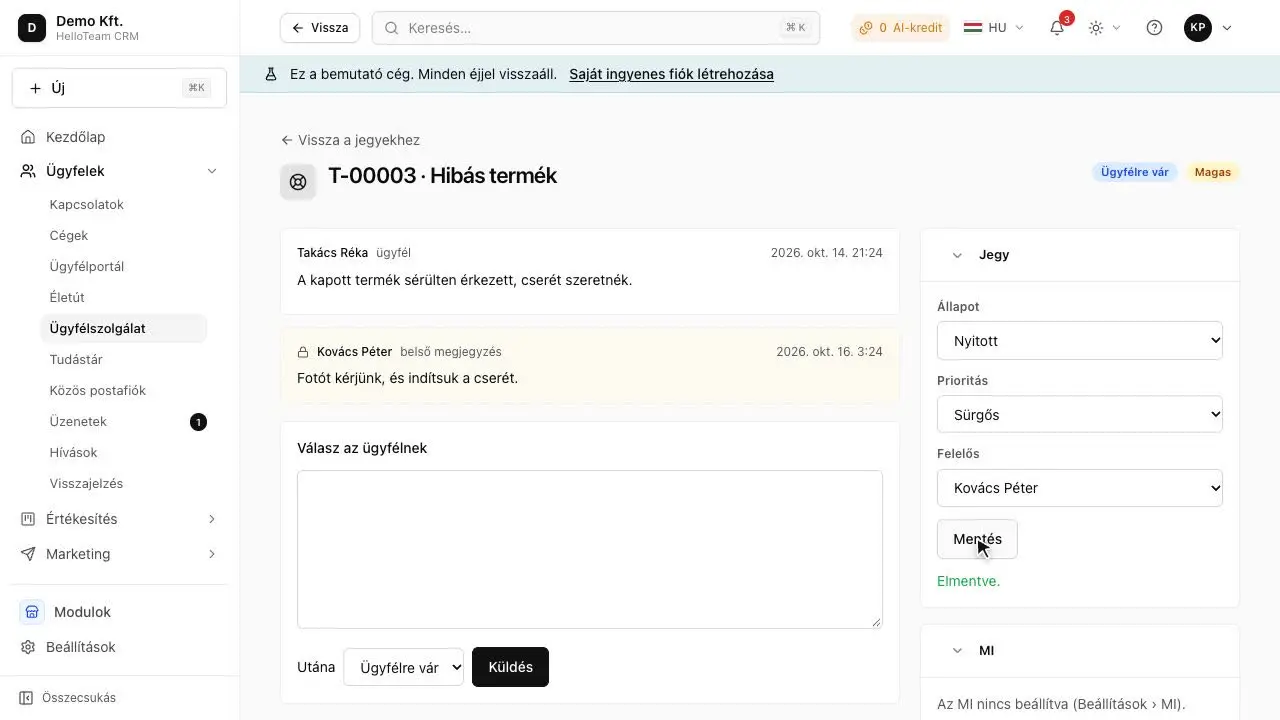
A shared inbox tool solves this by showing mail as conversations and assigning each conversation to someone. When a request needs longer handling, it becomes a support ticket.
Why does it matter to a small business?
In a small business the info@ address is often the most important sales channel, yet it lives on one person's computer or behind a shared password. When that colleague goes on holiday, the mail waits. With a shared inbox anyone in the team can take over, and the reply stays in the customer's history, not in a private folder.
What does it look like in practice?
Details
Suppose a guesthouse in Eger receives booking requests at its info@ address, and two receptionists read them. In the past the same request sometimes got two different prices. With a shared inbox every message goes to one of them, and the other can see it is already being handled.
How does HelloTeam CRM handle it?
Details
HelloTeam's Shared inbox module shows the company mailbox's incoming mail as conversations in one place; a message becomes somebody's, the reply stays on the contact's timeline, and mail that became a ticket continues in the helpdesk.
Module: Shared inbox (paid module, price coming soon).